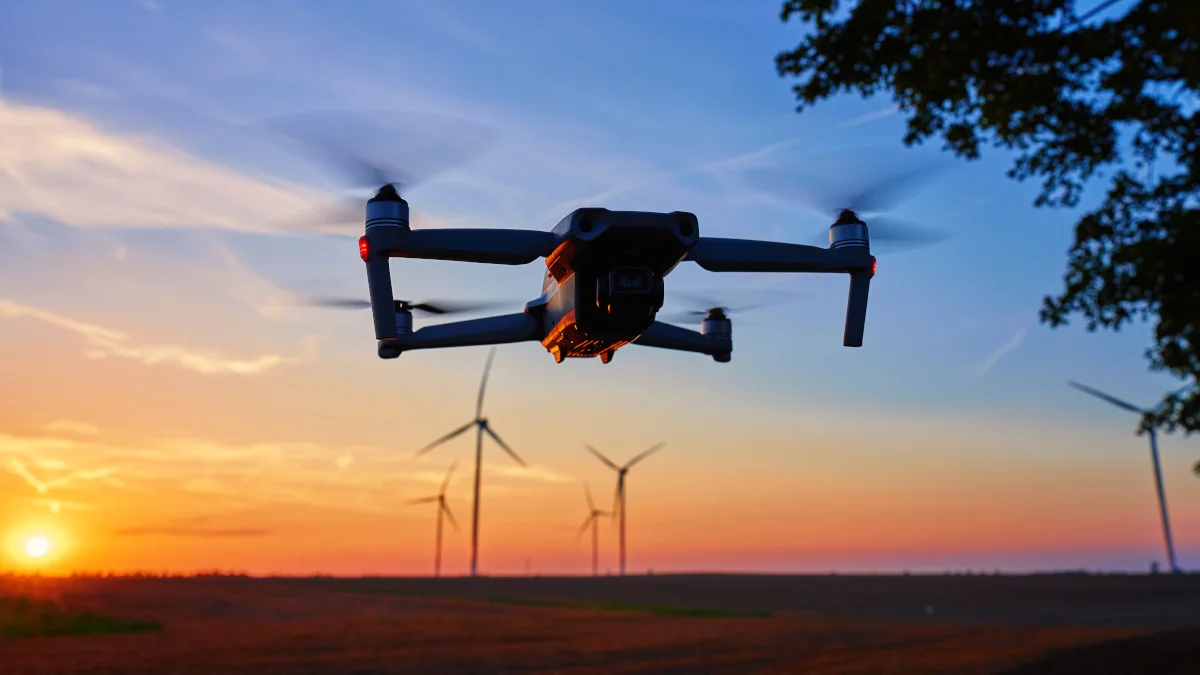
Drone cinematography adds dynamic scale and motion to videos. These 36 essential moves rely on simple joystick inputs, gimbal control, and flight modes. Use slow, deliberate movements and Cine mode for smooth, professional results unless specified otherwise.
Basic Single-Axis Moves
-
Rise Up
Start low. Push up on the left joystick to ascend. Reveals subjects or locations from below. -
Drop Down
Start high with gimbal pointed at subject. Pull down on the left joystick to descend. -
Push Forward
Level gimbal with horizon. Push up on right joystick to fly towards subject. Keep slow for cinematic feel. -
Pull Back
Level gimbal with horizon. Pull down on right joystick to fly backwards. Cine mode recommended. -
Slide Left / Right
Push right joystick left or right to strafe sideways.
Combined Forward/Vertical Moves
-
Push Forward, Rise Up
Push up on both joysticks. Flies forward and ascends. Strong opener for sequences. -
Push Forward, Descend
Start high. Push up on right joystick (forward) while pulling down on left (descend) towards subject. -
Fly Up Reveal
Gimbal towards ground. Push up on both joysticks (forward + ascend). Tilt gimbal to horizon with left scroll wheel. -
Pull Back, Rise Up
Start low. Pull down on right joystick (backwards) while pushing up on left (ascend). Ideal sequence closer. -
Pull Back, Descend
Start high. Pull down on both joysticks. Normal mode preferred (Cine descends slowly).
Top-Down Moves
-
Top Down Slide
Gimbal straight down. Slide left/right with right joystick. Great for beaches and patterns. -
Push Forward Looking Up
Drone below subject. Tilt gimbal upwards. Push up on right joystick. Suits tall buildings. -
Gimbal Up
Face subject. Gimbal towards ground. Record and slowly tilt gimbal up to horizon with left scroll wheel. -
Rise Up Twist
Push left joystick up while slightly left/right to turn during ascent. -
Descend Twist
Start high. Pull left joystick down while slightly left/right to turn during descent. -
Classic Top Down
Gimbal straight down. Hover and record for simple bird’s-eye view. -
Top Down, Rise Up
Gimbal straight down. Cine or Normal mode. Push up on left joystick to ascend. -
Top Down Twist
Gimbal straight down. Push left joystick slightly left/right for slow rotation. -
Top Down Turn
Drone beside subject, gimbal down. Fly towards subject (right joystick) while turning opposite (left joystick) to orbit. -
Top Down Descend Twist
Gimbal straight down. Pull left joystick down while slightly left/right to descend with rotation.
Orbit Moves
-
Classic Orbit
Right orbit: right joystick right + left joystick left. Reverse for left. -
Automatic Orbit
Centre subject. Draw box until green appears. Select POI mode (or Circle QuickShot). Drag arrow for direction/speed. -
Parallax Orbit
Zoom in on subject. Perform Classic Orbit. Creates depth with differential movement. -
Drifting Orbit
Start Classic Orbit. Minimise left stick so subject slowly drifts off-centre. Cine mode best.
Advanced and Specialised Moves
-
Slider Descend
Parallel to subject. Slide left/right (right joystick) while descending (left joystick down). -
Push Forward, Sky Tilt
Gimbal towards sky. Push up on right joystick (forward). Slowly tilt gimbal down to horizon with left scroll wheel. -
Pull Back Twist
Subject off-centre. Pull down on right joystick (backwards). Rotate with left joystick to centre subject. -
Zooming Orbit
Perform Automatic Orbit. Slowly zoom in with right scroll wheel during orbit. -
The Vertigo
Zoom in on subject. Fly forward (right joystick up) while zooming out (right scroll wheel). Dolly zoom effect. -
Fly Past
Foreground elements ahead left/right. Fly past with right joystick up to show landscape scale. -
Fake FPV Turn
Set gimbal to FPV mode. Fly forward (right joystick) while turning (left joystick). Cine mode for horizon tilt.
Slow Motion Moves
-
Top Down, Slow Motion
Slow Motion mode. Gimbal straight down. Slide left/right with right joystick. Captures motion like waves. -
Rise Up with Parallax
Zoom in for layered movement. Slowly push up on left joystick to ascend.
Spotlight Mode Moves
Spotlight locks subject after drawing box (green appears). Select Spotlight mode. Reduces joystick inputs for complex paths.
-
Spotlight Orbit
Push right joystick right (right orbit) or left (left orbit). Auto-handles rotation. -
Descending Orbit
Start orbit (right joystick). Pull down on left joystick to descend. -
Ascending Orbit
Start orbit (right joystick). Push up on left joystick to ascend.
Practice in open spaces with safety in mind. Combine moves into sequences for narrative flow. Prioritise slow speeds, precise gimbal work, and Cine mode for cinematic quality.
About the Author
Written by Neil Huyton. Sheffield-based web developer and creator. I build sites with JavaScript/TypeScript, shoot video, and fly drones. Sharing what I’ve learned along the way.