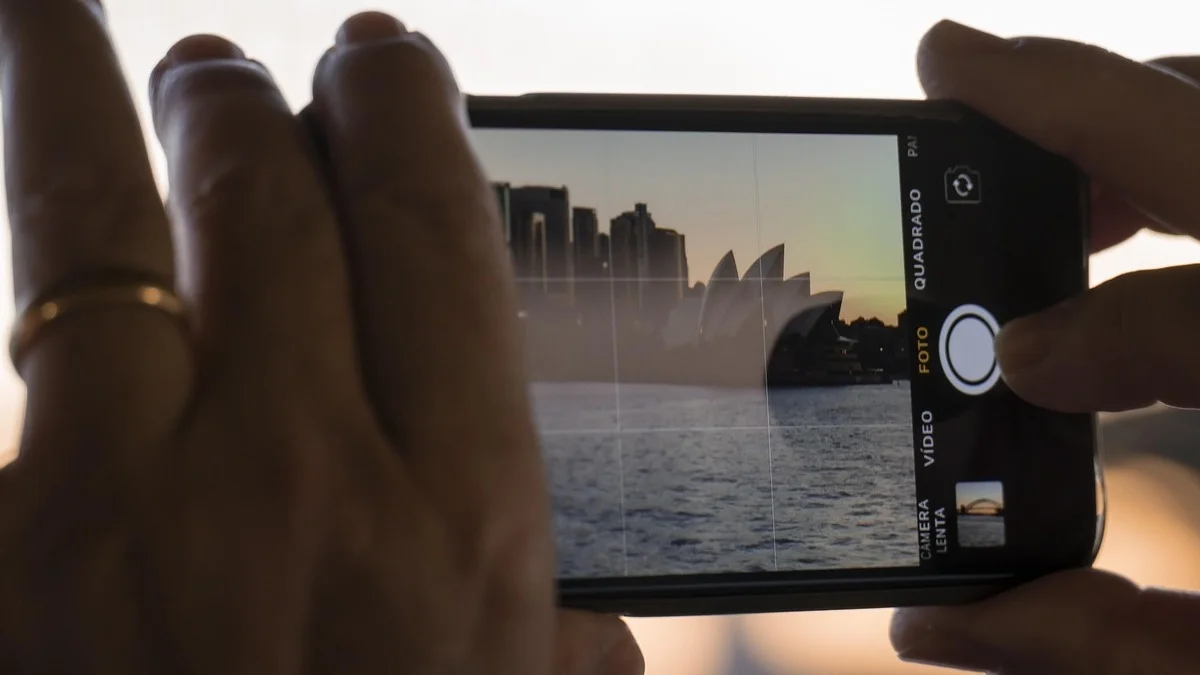
Six settings determine the look of video on any camera: frame rate, shutter speed, aperture, ISO, white balance and resolution.
Start with frame rate, as it sets the foundation for motion and directly influences shutter speed.
Frame Rate
Frame rate defines how many frames the camera captures each second.
Common options are 24 fps for a cinematic appearance, 30 fps for standard video and 60 fps for smooth motion or slow motion playback.
Higher rates deliver smoother results but demand more storage and processing power.
Shutter Speed
Shutter speed controls the duration the sensor is exposed to light.
It forms part of the exposure triangle and affects brightness. It also governs motion blur: longer durations increase blur, shorter durations freeze action.
For natural looking motion in video, follow the 180 degree shutter rule: set shutter speed to approximately double the frame rate.
Examples:
- 24 fps requires 1/48 second (or 1/50 second)
- 30 fps requires 1/60 second
- 60 fps requires 1/120 second
Aperture
Aperture sets the size of the lens opening, measured in f stops.
It regulates light intake and therefore brightness: lower f stops (wider openings) admit more light, higher f stops admit less.
Aperture also controls depth of field. Lower values produce a shallow depth of field with a blurred background (bokeh), while higher values keep more of the scene in focus.
For a cinematic appearance, use the lowest f stop your lens permits unless greater depth of field is required.
ISO
ISO adjusts the sensor’s sensitivity to light.
It brightens the image when insufficient light reaches the sensor through aperture and shutter speed.
Higher ISO values introduce digital noise and grain. Keep ISO at the lowest possible level (typically the camera’s base ISO: 100, 200 or 800) to preserve clean footage.
The Exposure Triangle
Shutter speed, aperture and ISO together form the exposure triangle and control overall image brightness.
Each setting affects how much light reaches the sensor. Changing one usually requires an adjustment to another to maintain correct exposure.
The aim is balanced exposure with visible detail in both shadows and highlights, without clipping.
White Balance
White balance corrects colour temperature, measured in Kelvin, so whites appear neutral.
Common settings include:
- Daylight: 5200 to 5600 K
- Tungsten/indoor: around 3200 K
- Mixed lighting: around 4300 K as a compromise
Assess accuracy by skin tones: they must appear natural. Avoid auto white balance when consistency across shots matters.
Resolution
Resolution determines the pixel dimensions of the video.
Common choices are 1080p for lightweight files, 4K for most creators seeking detail and future proofing, and 6K or higher for maximum quality at the cost of larger files and heavier processing.
Higher resolution allows better cropping and reframing in post production.
Practical Checklist
- Choose frame rate (24 fps for cinematic results).
- Set shutter speed to roughly double the frame rate.
- Select aperture for the desired depth of field.
- Use the lowest possible ISO.
- Set white balance manually and verify with skin tones.
- Pick resolution according to delivery needs and storage limits.
- Disable auto exposure for full control.
- Use auto focus when required, or manual focus for deliberate cinematic work.
- Monitor the histogram for even distribution across tones.
If the image remains too dark without additional lighting, open the aperture first, then increase ISO only when necessary.
These six settings give direct control over the final appearance of the video.
About the Author
Written by Neil Huyton. Sheffield-based web developer and creator. I build sites with JavaScript/TypeScript, shoot video, and fly drones. Sharing what I’ve learned along the way.