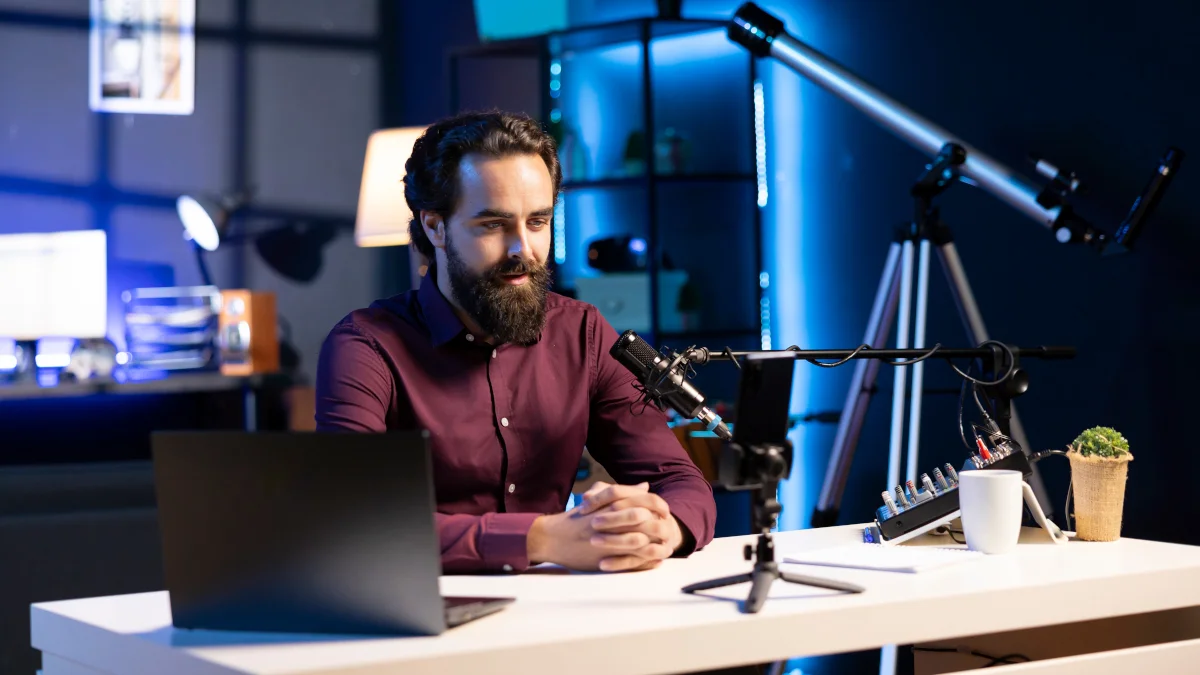
You do not need expensive cameras, lights, or microphones to create clean, engaging, and professional looking videos. A smartphone, a tripod, and smart decisions about light, framing, and sound deliver surprisingly high quality results. The goal is control and intention in every element.
This guide focuses on the absolute minimum setup that works for interviews, talking head videos, product shots, vlogs, or simple narrative scenes.
Essential Gear
- Smartphone (any modern model with manual controls or third party apps)
- Sturdy tripod or phone mount (tabletop or full size)
- Optional but recommended: external microphone (lavalier, shotgun, or even wired earbuds with mic)
Everything else (lighting, audio, framing) comes from your environment and choices.
Step by Step Basic Setup
-
Choose Your Lighting First
Light is the foundation. Find the best natural source available:- Large window with soft, diffused daylight (north facing ideal; avoid direct sun)
- Open doorway or garage door for even, soft light
- Overcast day outdoors under shade or cloud cover
Position the subject facing the light source at roughly 30 to 45 degrees for natural modelling and soft shadows. Avoid backlighting unless intentional (silhouette effect).
-
Set Up Composition and Depth
Depth makes shots feel three dimensional and cinematic.- Increase distance between subject and background (at least 1 to 2 metres if possible).
- Use foreground elements (plants, furniture edge, doorway frame) to layer the scene.
- Frame with the rule of thirds: place eyes on the top third line, subject off centre for interviews.
-
Position the Camera
- Set camera height at or slightly below eye level for natural, flattering perspective.
- Use tripod to lock off the shot. No handheld shake for talking heads or interviews.
- Fill the frame comfortably: subject should occupy most of the space without feeling cramped. Leave appropriate looking room in the direction they face.
-
Handle Audio
- Get as close as possible with the built in mic (within 1 metre ideal).
- Use an external mic if available: clip on lavalier for clear voice, or shotgun pointed from off camera.
- Record in a quiet space. Close windows, turn off fans, add soft furnishings to reduce echo.
- Monitor audio with headphones during recording.
-
Camera Settings Quick Guide
- Lock exposure and focus on the subject’s face.
- Use manual mode or pro app if available: set frame rate to 24 fps or 30 fps, shutter to double frame rate (180 degree rule), lowest ISO possible.
- White balance to match the light source (daylight around 5500 K for windows).
- Enable gridlines for composition help.
-
Test and Refine
Record a short test clip.- Check exposure: face well lit, no blown highlights.
- Listen for clear audio without background noise.
- Review framing: clean edges, good balance, depth visible.
- Adjust and reshoot until it feels intentional.
Practical Checklist
- Find and position best natural light source first.
- Place subject facing light at 30 to 45 degrees.
- Separate subject from background for depth.
- Use rule of thirds and looking room in framing.
- Lock camera on tripod at eye level or below.
- Get clean audio (close mic, quiet room).
- Set basic manual controls if possible.
- Test record, review, and tweak before full take.
This minimal setup proves that gear matters far less than thoughtful decisions. Master these basics and your videos will look clean, professional, and engaging even without a big production budget.
About the Author
Written by Neil Huyton. Sheffield-based web developer and creator. I build sites with JavaScript/TypeScript, shoot video, and fly drones. Sharing what I’ve learned along the way.