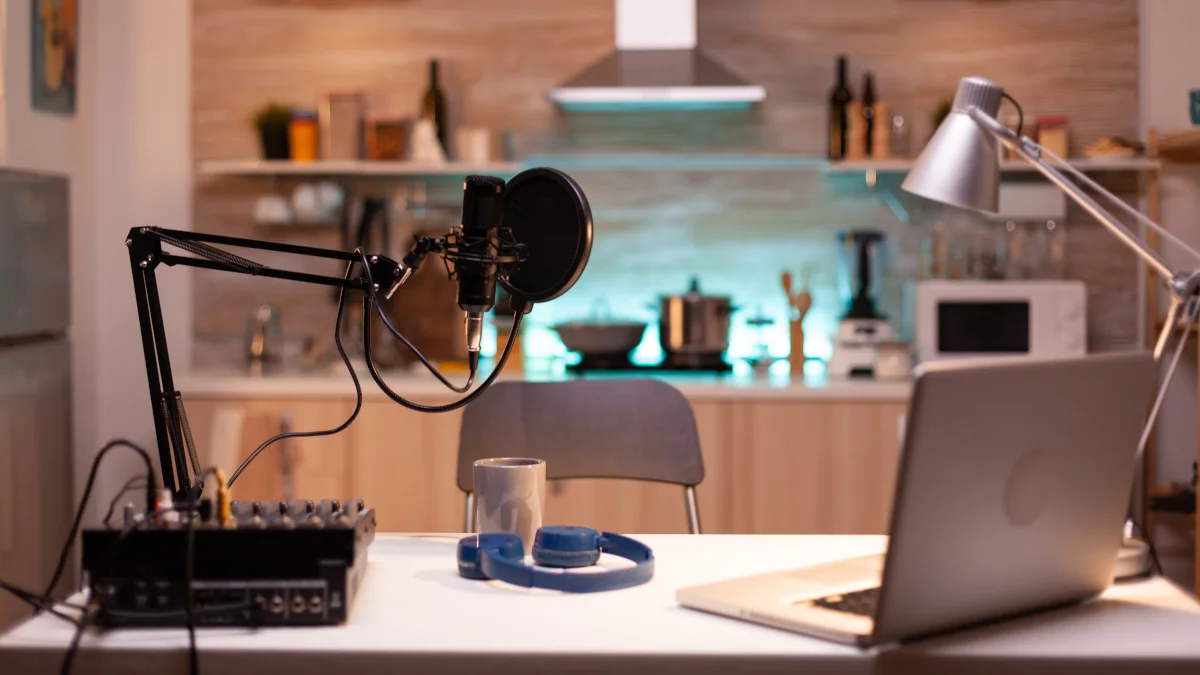
Audio is half the viewing experience. Viewers forgive average picture quality far more readily than poor sound. Bad audio distracts, frustrates, and drives people away; clean, clear audio draws them in and makes your story feel polished and intentional.
Plan audio from the beginning, just as you plan lighting and framing. Poor decisions early on are hard or impossible to fix in post.
Choose the Right Tool
Select your microphone based on the situation:
-
Lavalier / Lapel Mic
Clips to clothing near the mouth. Flexible, discreet, and widely used for interviews, vlogs, and talking head videos. Reduces distance to the source dramatically. Popular budget option: PoP voice Professional Lavalier Lapel Microphone (works well with smartphones via 3.5 mm jack or adapter). -
Shotgun Mic
Directional, rejects off axis sound. Great for dialogue in noisy environments or when mounted on camera or boom. -
Onboard Camera / Smartphone Mic
Convenient but often captures too much room noise and lacks clarity. Use only as a backup or in very controlled spaces. -
Condenser / USB Mic
Excellent for controlled setups (podcasts, voiceover), but less portable. -
Portable Recorder (e.g., Zoom H1n)
Records high quality separate audio tracks. Sync in post with claps or timecode.
For most smartphone based creators, start with a wired or wireless lavalier mic. It offers the biggest quality jump for minimal cost.
Proximity to the Source
The closer the mic is to the sound source, the better the signal to noise ratio and the less ambient noise intrudes.
- Aim for 15 to 30 cm (6 to 12 inches) from the mouth for lavaliers.
- Clip lavs to the chest or collar, angled toward the mouth.
- For handheld or shotgun mics, get as close as framing allows without entering shot.
Minimise Ambient Noise
Ambient noise competes with your main audio and is hard to remove cleanly.
- Scout and film in the quietest possible location.
- Turn off fans, air conditioners, fridges, and appliances.
- Close windows to block traffic, birds, or wind.
- Record at times when external noise is lowest (early morning, late evening).
Reduce Reverb
Reverb (echo) makes audio sound boxy and distant. Hard surfaces (bare walls, floors, ceilings) reflect sound.
Budget ways to tame it:
- Hang blankets, duvets, or heavy curtains on walls and windows.
- Place rugs or carpets on floors.
- Add soft furnishings (pillows, cushions, bookshelves with books).
- Create a temporary booth with moving blankets draped over chairs or mic stands.
- Record in smaller rooms or corners filled with clothes or blankets for natural absorption.
Set Proper Levels
Levels prevent distortion and preserve dynamic range.
- Aim for peaks between -12 dB and -6 dB on your recorder or app meters.
- Average levels should sit around -18 dB to -12 dB for headroom.
- When in doubt, record slightly lower. Clipped (distorted) audio is unfixable; quiet audio can be boosted in post without much penalty.
- Clipping is like overexposure: once it hits 0 dBFS, information is lost forever.
Do not rely solely on meters. Always monitor with headphones to catch issues like clothing rustle or background hum.
Record a Quick Test Clip
Before the real take:
- Record 10 to 20 seconds.
- Listen back immediately (use headphones).
- Check for clarity, background noise, reverb, clipping, and handling noise.
- Adjust mic position, levels, or environment as needed.
- Re test until it sounds clean and natural.
Smartphone Mic Setup Tips
- Use a lavalier to minimise distance between source and recorder.
- Connect via 3.5 mm jack or USB C / Lightning adapter.
- TRRS (Tip Ring Ring Sleeve) plugs work with smartphones; TRS (Tip Ring Sleeve) needs an adapter for phones.
- You can fix quiet audio in post, but you cannot fix clipped audio. Record conservatively.
Sound Design Basics
Great sound goes beyond clean dialogue. Layer effects to enhance realism and emotion.
Types of sound effects:
- Tangible Action. Splashes, door slams, footsteps on gravel.
- Ambient. Birds chirping, wind through trees, distant traffic.
- Perceived Movement. Whooshes, swooshes for transitions or object motion.
Quick workflow:
- Mute all original sound and watch the video silently.
- Ask: What physical actions, ambiences, or motions need sound?
- Source effects: Build a personal SFX folder (free libraries like Epidemic Sound, Freesound.org, or general assets packs).
- Pick music first if using any.
- Edit video clips to cut on the beat.
- Layer sound effects last. Mute the music temporarily to focus on SFX placement.
Final Thoughts
Audio demands as much attention as picture. Start planning it first, choose tools that reduce distance to the source, control the environment ruthlessly, set conservative levels, and test everything.
Master clean, intentional audio and your videos will immediately stand out as more professional and immersive. Poor audio can ruin great visuals; excellent audio elevates average footage. Practise these habits consistently. They pay off more than any gear upgrade.
About the Author
Written by Neil Huyton. Sheffield-based web developer and creator. I build sites with JavaScript/TypeScript, shoot video, and fly drones. Sharing what I’ve learned along the way.